Features
Everything your academy runs on, in one place.
The website, bookings, coaches, families and back office, connected, so the first enquiry leads to the booking, the lesson, the feedback and the next booking.
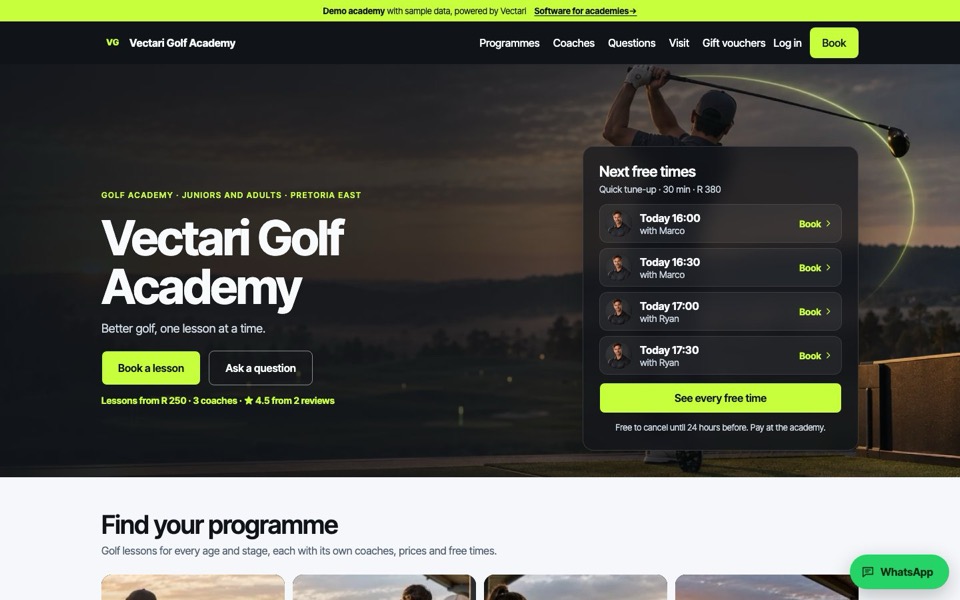
Academy website
A website that keeps itself current
Prices, coaches, free times, clinics and reviews come straight from your academy's records. Add a coach's hours and the website shows them. Each programme and each coach gets a page, with a Book button on every one.
- Next free times on the first screen
- A page per programme and per coach
- Questions, directions and gift vouchers
- Search listing and link previews under your name
Bookings
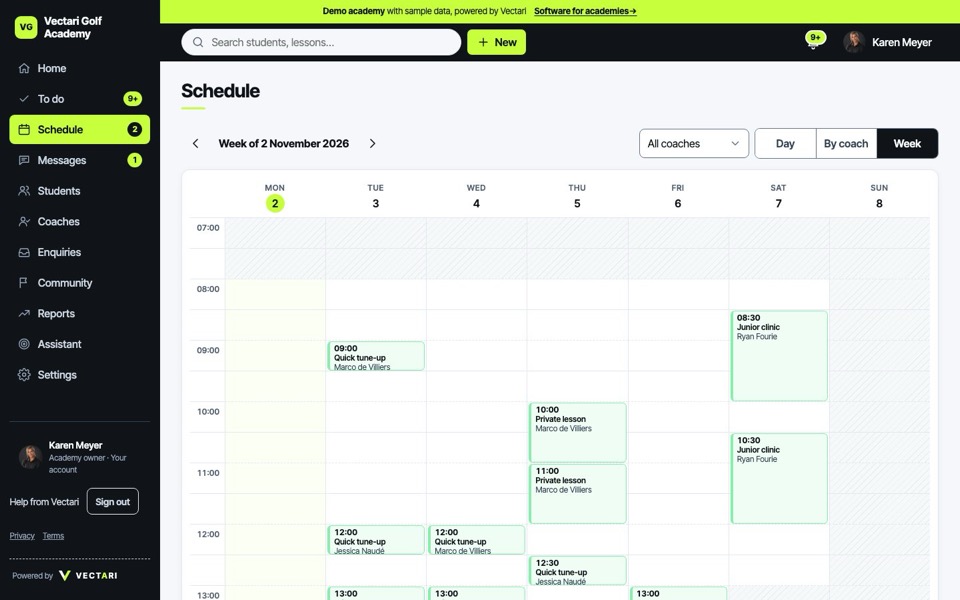
Bookings that fit your coaches' real week
One-to-one, shared and group lessons, weekly series and clinics, booked by students and parents around each coach's published hours, time off and bays. The schedule shows the day, the week and each coach.
- Booking rules: notice, how far ahead, cancellation
- Clinics with places and a waiting list
- Packages and credits
- Rain-outs and lessons that need a new time
Coaches
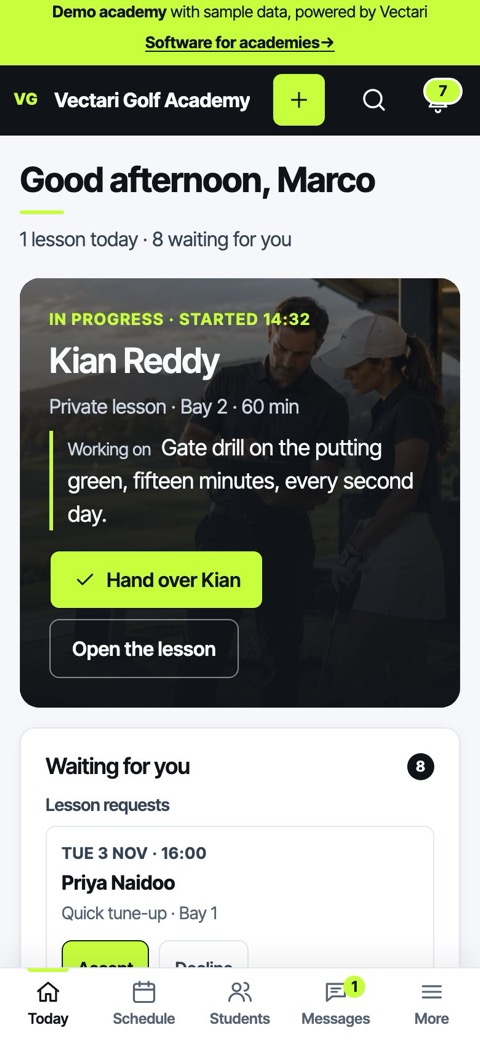
Give every coach a clear day
Each coach opens to today: who is next, who has checked in, what needs feedback. Feedback and a practice task go to the student after each lesson, and every coach's checks stay current.
- Today, requests and hours on a phone
- Feedback, practice tasks and assessments
- First aid, safeguarding and background checks with expiry dates
- Pay statements from the lessons delivered
Students and families
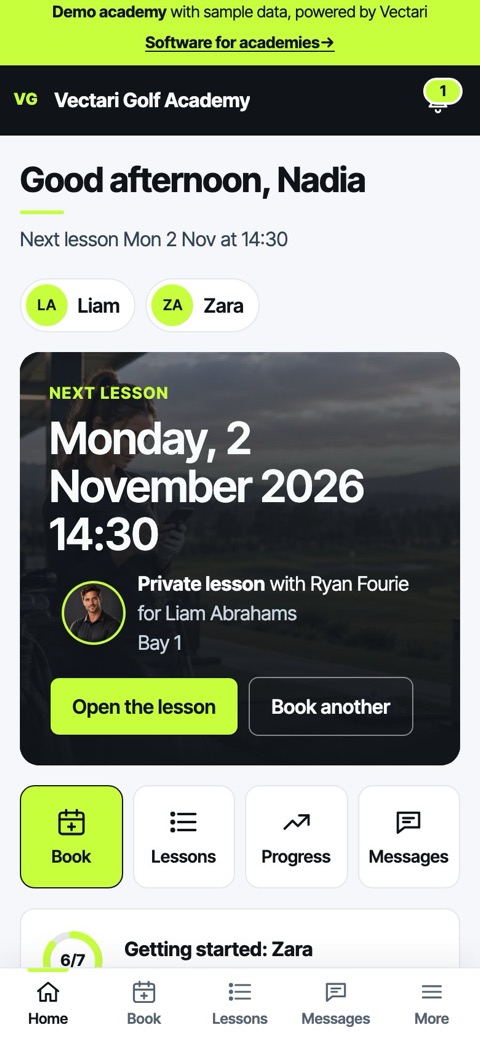
Built for families
Parents book for their juniors, see every lesson and the coach's feedback, and name who may collect their child. Adults book, practise and follow their own progress.
- One account for a parent and several children
- Feedback and practice after every lesson
- Progress: lessons, practice and results
- Privacy choices kept with a receipt
Back office
A back office that stays out of the way
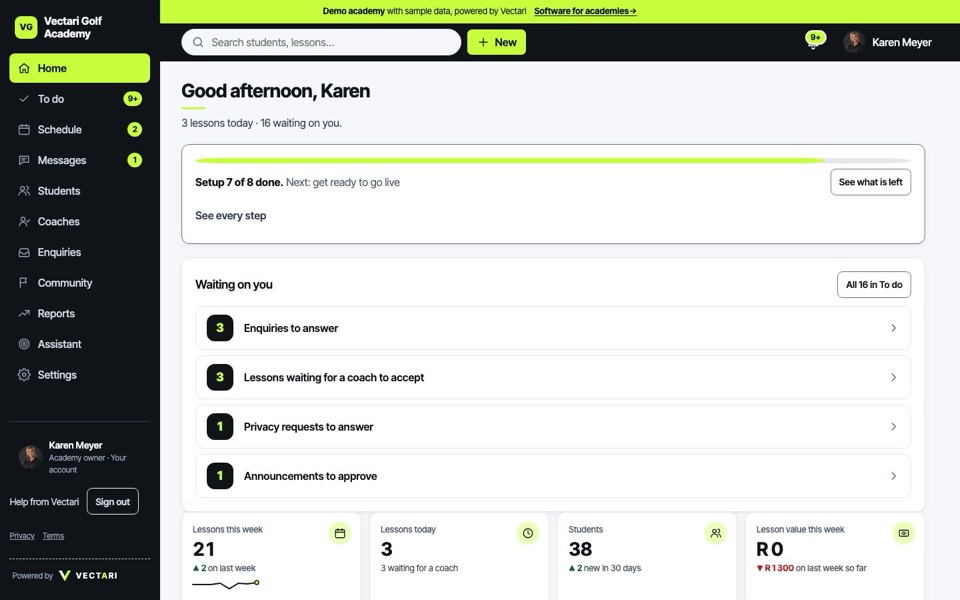
One to-do list says what needs doing today: requests to answer, money owed, enquiries to follow up, data to fix. Reports count your own lessons, money and coaches, and export when you need them.
- Enquiries from first question to first lesson
- Payments, balances and refunds recorded
- Reports, forecast and exports
- Announcements and messages
White label
Your name on the door
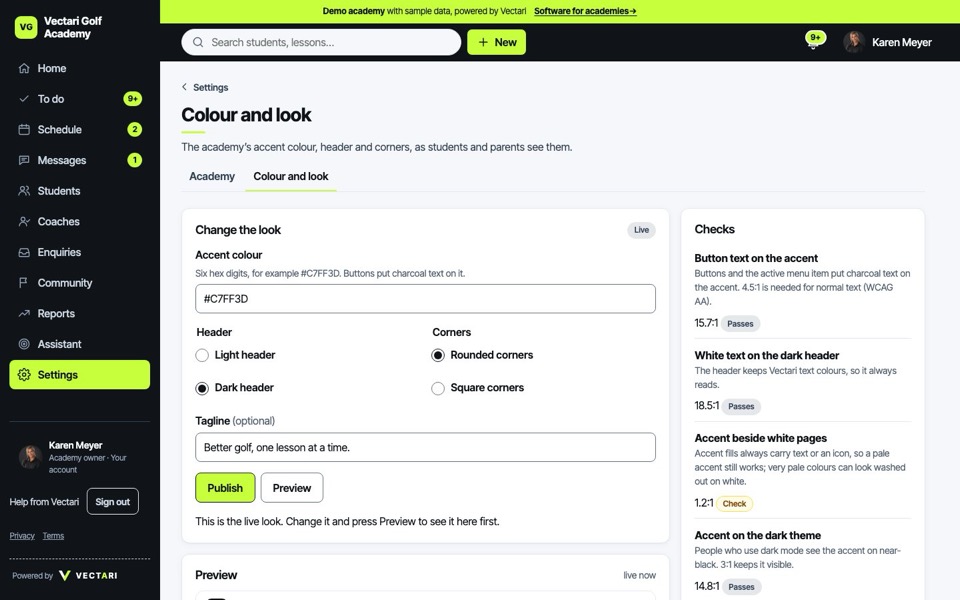
Your name, logo and colours on the website and the app, on your own domain. Safety cues, status colours and accessibility stay fixed, so every academy stays clear.
- Your logo and accent colour
- Your own domain
- Light and dark, readable on every screen
- Vectari as a quiet line in the footer
Junior safety
Safety you can show a parent
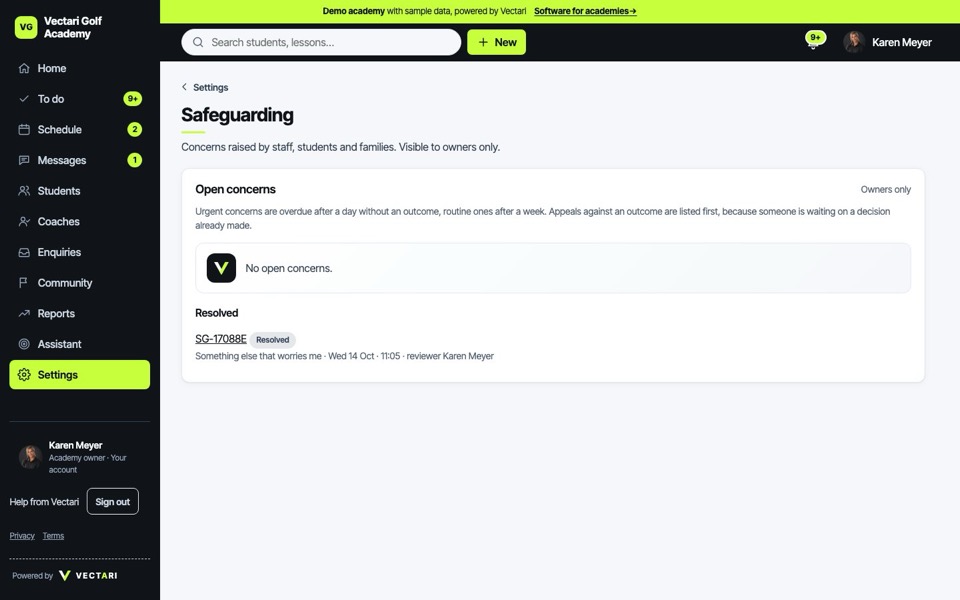
Juniors are registered and booked by a guardian. Photos and videos need their yes. Hand-over is recorded, concerns go to the safeguarding lead, and coaches with an expired check cannot be booked.
- Guardian consent, recorded
- Collection by named adults only
- Safeguarding concerns with a clear owner
- Privacy requests answered in the app
Coming
Not yet, and we say so.
These are being built. Until they arrive, the demo shows them as not connected.
Online payments
Parents pay by card. Today payments are recorded by the academy.
ComingText messages
Reminders by SMS. Today they go by email and in the app.
ComingAccounting link
Straight into Xero or Sage. Today the exports do the job.
Coming
See it with your own academy in mind.
A walkthrough with someone from Vectari, at a time that suits you. Or look around the demo academy on your own first.